
Choose your language or accent
Pick the recognition setting closest to the language and pronunciation you will use. This gives the browser the right locale before listening begins.
Speak into your microphone and watch an editable draft appear. Use voice typing for the messy first version, then correct, copy, or download the words when they sound right. No account form is required to use this page.
Start voice typing
Ready when you are.
Microphone permission is requested only when you press start. Recognition availability and speech processing depend on your browser, operating system, and chosen language.
Select the closest language setting and use the clearest microphone available. A quiet room, a steady mic distance, and the right locale usually matter more than speaking slowly or unnaturally.
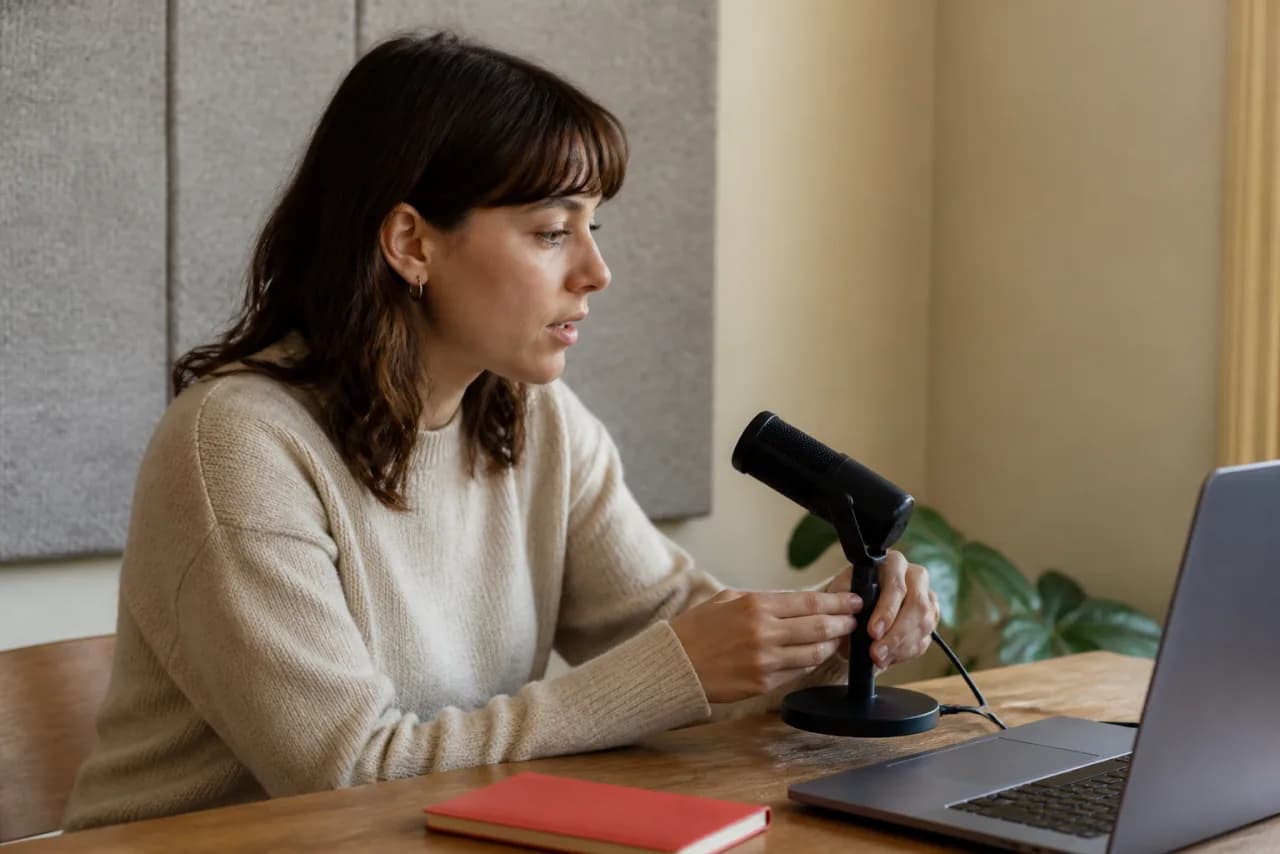
A clear recording matters more than sounding formal. Set the language, press start, and talk as if you were explaining the idea to another person.
Pick the recognition setting closest to the language and pronunciation you will use. This gives the browser the right locale before listening begins.
Your browser asks for microphone permission only after you start. Speak at a comfortable pace and watch the first draft appear.
Click anywhere in the editor to correct a word, add a detail, or reorganize a sentence. Voice and keyboard can work together.
Move the finished text to an email, document, note, or message with Copy, or save a plain-text file to your device.
Many speech-recognition services understand common punctuation phrases. Results are controlled by the browser and selected locale, so treat these as phrases to try—not guaranteed commands. Always review important text before sending it.
“Hi Asha comma I'll send the notes today full stop”
You may getHi Asha, I'll send the notes today.
| Say | Expected mark or action |
|---|---|
| comma | , |
| full stop / period | . |
| question mark | ? |
| exclamation mark | ! |
| new line | Move to the next line when supported |
| new paragraph | Start a new paragraph when supported |
Choose from three English locales and five Indian languages. The selection sets the recognition language before listening begins; exact availability and accuracy still depend on your microphone, environment, browser, and speech service.
Best starting point for Indian English pronunciation and vocabulary patterns.
Use for American English pronunciation and punctuation behavior.
Use for British English pronunciation and common spelling patterns.
Indian-language pages include native examples and language-specific guidance. They are labelled public beta because a selectable locale cannot guarantee that every browser or operating-system provider supports recognition on every device.
Use the closest locale. Accent selection gives the recognizer a better starting model.
Reduce competing sound. Fans, music, and nearby conversations make words harder to separate.
Keep a steady distance. Place the microphone close enough for a clear signal without touching it.
Speak in phrases. Natural groups of words give the service more context than isolated words.
Pause between ideas. A brief pause helps separate sentences without breaking your train of thought.
Edit names manually. Product names, people, and specialist terms often need a quick keyboard correction.
Correct important wording before anyone relies on it, and understand the difference between text stored in the page and speech processed by the browser or operating system provider.

Check whether the browser supports speech recognition and whether this site has microphone permission. A recent version of Chrome or Safari is the best first test.
Select the closest accent, reduce background noise, move the microphone nearer, and speak in complete phrases. Unusual names are often quickest to fix with the keyboard.
The browser or its speech service may stop after silence, a network interruption, or a device-level microphone change. Press start again; the new speech is added after the existing draft.
Spoken punctuation behavior varies by browser and locale. Try saying punctuation clearly, then review the draft before you copy or download it.
Talk through an introduction, article section, or personal reflection before editing the structure.
Capture the full thought quickly, then shorten and proofread it for the person receiving it.
Record decisions or next steps while the meeting, lecture, or conversation is still fresh.
Get a rough concept onto the page without interrupting the way you naturally explain it.
Check whether the browser supports speech recognition and whether this site has microphone permission. A recent version of Chrome or Safari is the best first test.
Select the closest accent, reduce background noise, move the microphone nearer, and speak in complete phrases. Unusual names are often quickest to fix with the keyboard.
The browser or its speech service may stop after silence, a network interruption, or a device-level microphone change. Press start again; the new speech is added after the existing draft.
Spoken punctuation behavior varies by browser and locale. Try saying punctuation clearly, then review the draft before you copy or download it.