
ఈరోజు సమావేశం ఉదయం పది గంటలకు ప్రారంభమవుతుంది.
Today’s meeting will begin at ten in the morning.Telugu recognition · Public beta
Telugu Voice Typing – Speak Telugu to Text
Use the preselected Telugu recognition setting to turn a spoken idea into editable Telugu-script text. This browser-dependent beta is designed for practical first drafts, with clear guidance about vowel length, English mixing, punctuation, and names.
Start Telugu voice typing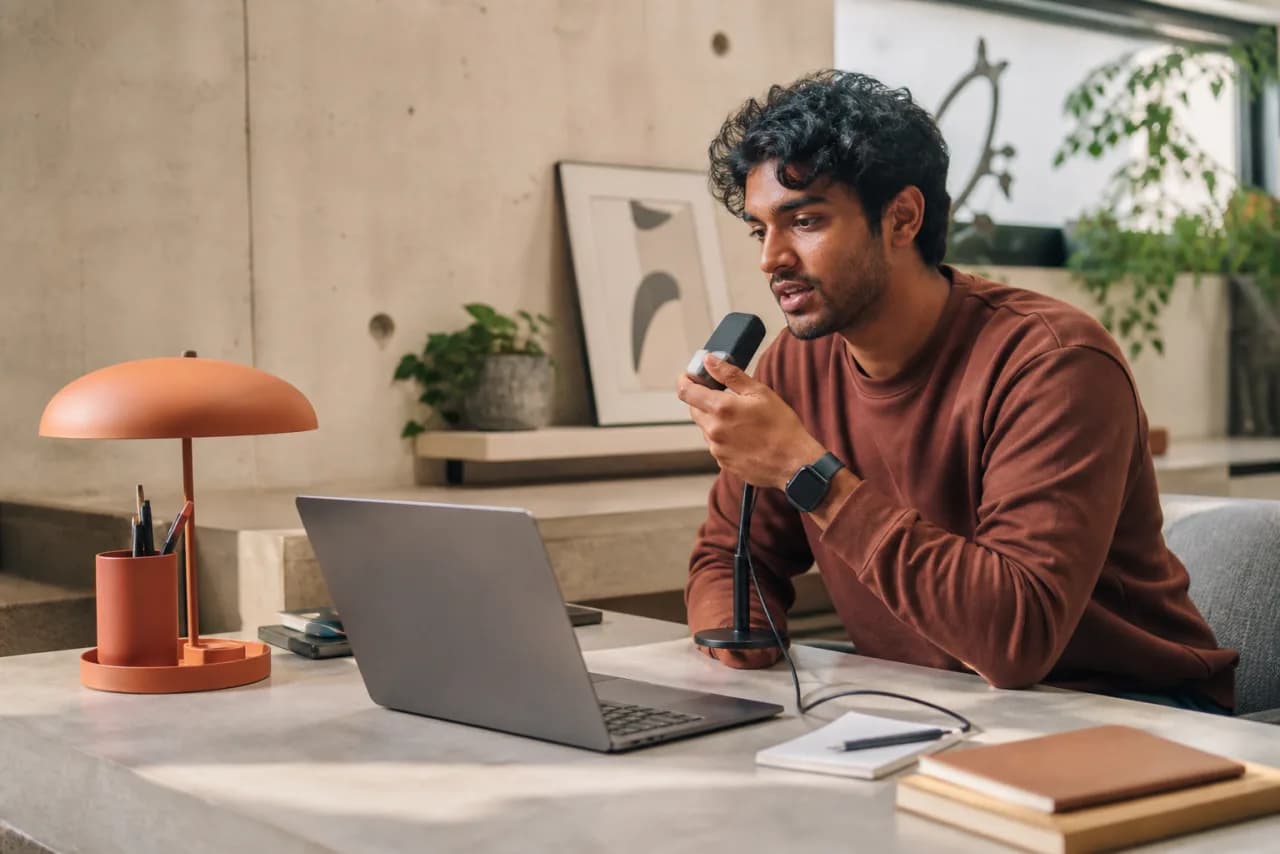
Telugu voice editor · Beta
Speak Telugu. Edit the result.
Ready when you are.
Microphone permission is requested only when you press start. Recognition availability and speech processing depend on your browser, operating system, and chosen language.
Voice to editable text
How Telugu voice typing works here
Telugu voice typing is most useful when you can already say the sentence but do not want keyboard input to interrupt the idea. The editor keeps the result editable, so you can correct a syllable, add an English name, or change the structure before copying it elsewhere.
Telugu has meaningful contrasts in vowels and consonants that can become harder for a recognizer in a noisy room or rushed sentence. Speak full phrases at a steady volume, then check the script around names, numbers, and less common vocabulary.
The page sets te-IN as the recognition language. The browser still decides whether that language is available and whether processing happens on the device or through a remote service. If recognition is unavailable, the editor remains usable for manual typing and editing.

What a useful Telugu draft can look like
These examples show the intended script and meaning. Recognition output may differ, so compare important sentences carefully.
దయచేసి నివేదికను నాకు ఈమెయిల్ చేయండి.
Please email the report to me.వచ్చే వారం ఈ ప్రణాళికను పూర్తి చేయాలి.
This plan needs to be completed next week.How to type in Telugu using your voice
- 1
Confirm Telugu
The tool opens with Telugu (te-IN) selected. Keep it selected for the full phrase.
- 2
Allow microphone access
Press start and approve the browser prompt. Permission is not requested before you choose to listen.
- 3
Speak complete phrases
Use a steady conversational pace. Pause between ideas instead of separating every word.
- 4
Review the Telugu text
Correct names, numbers, punctuation, borrowed words, and any character that changes the intended meaning.
Phrases to try
Telugu commands and punctuation behavior
These are not guaranteed application commands. The browser’s speech service decides whether a spoken phrase becomes formatting, punctuation, or literal text. Use the examples as tests and edit the result when behavior differs.
| కొత్త లైన్ / new line | Try starting the next words on another line. |
|---|---|
| కొత్త పేరాగ్రాఫ్ / new paragraph | Try adding space between two sections. |
| కొటేషన్ మార్క్ / quotation mark | May create quotation punctuation when the browser supports it. |
| ఫుల్ స్టాప్ / full stop | Often attempts to insert a Western full stop, though browser services may write the phrase. |
|---|---|
| కామా / comma | Try after a clause and check whether the comma was inserted. |
| క్వశ్చన్ మార్క్ / question mark | May add ? after a question; edit if the service returns words instead. |
Mixed-language speech
Using English words inside Telugu
Telugu speakers often mix English nouns into otherwise Telugu sentences. With te-IN selected, the service may transliterate the English word into Telugu script, preserve it in Latin letters, or choose a Telugu word with a similar sound. Dictate the surrounding Telugu sentence clearly and treat exact product names, URLs, abbreviations, and email addresses as manual edits.
Recognition notes for spoken Telugu
Regional pronunciation and conversational contractions can differ from the form expected in a written draft.
Vowel length and consonant articulation matter for words that sound close in rapid speech.
English words used in office or technical Telugu may switch scripts unpredictably.
Common Telugu recognition issues
Vowel length
A rushed long vowel can be returned as a short vowel sign, changing spelling or meaning.
Consonant clusters
Dense or uncommon clusters in formal and borrowed words may be simplified by the recognizer.
Conversational endings
Everyday shortened endings can be expanded, normalized, or misheard in the transcript.
English technical terms
Software names and abbreviations may switch between Telugu and Latin scripts within one line.
A more reliable first draft
Improve Telugu voice typing accuracy
- 1
Pause at phrase boundaries. Give the service context without turning the sentence into isolated syllables.
- 2
Protect vowel length. Slow slightly around the key word rather than over-enunciating the whole sentence.
- 3
Review formal vocabulary. Check less common written words even when the surrounding conversational Telugu looks correct.
- 4
Type exact identifiers. Enter email addresses, URLs, codes, and product spellings with the keyboard.
Ways to use a Telugu voice draft
Telugu content outlines
Talk through headings and supporting points before converting them into a polished article.
Personal notes
Capture a thought quickly in Telugu and correct the script while the intended meaning is fresh.
Work summaries
Dictate outcomes in Telugu, then replace project identifiers with their exact official spelling.
Telugu voice typing questions
Why did Telugu voice typing change a long vowel?
Vowel length can be difficult to recognize in fast or noisy speech. Repeat the complete phrase more slowly and review the vowel signs in important words.
Can Telugu and English appear in the same draft?
Yes, but script choice is controlled by the browser service. Exact English names and abbreviations may still require manual correction.
Will saying “new paragraph” always create a break?
No. It is a phrase to try. Some services insert the break while others transcribe the words. The editor also provides manual structure controls on the Dictation page.
Is this suitable for publishing Telugu without review?
No automatic transcript should be published without checking spelling, names, numbers, punctuation, and meaning.