Name the destination
Give the document a title and say what the section needs to accomplish before you begin.
This is a focused dictation editor for notes, articles, reflections, briefs, and any draft that needs more room than a quick transcript. Speak in sections, edit with the keyboard, return to a locally saved draft, and export the result when it is ready.
Begin a dictation session
Ready for a longer thought.
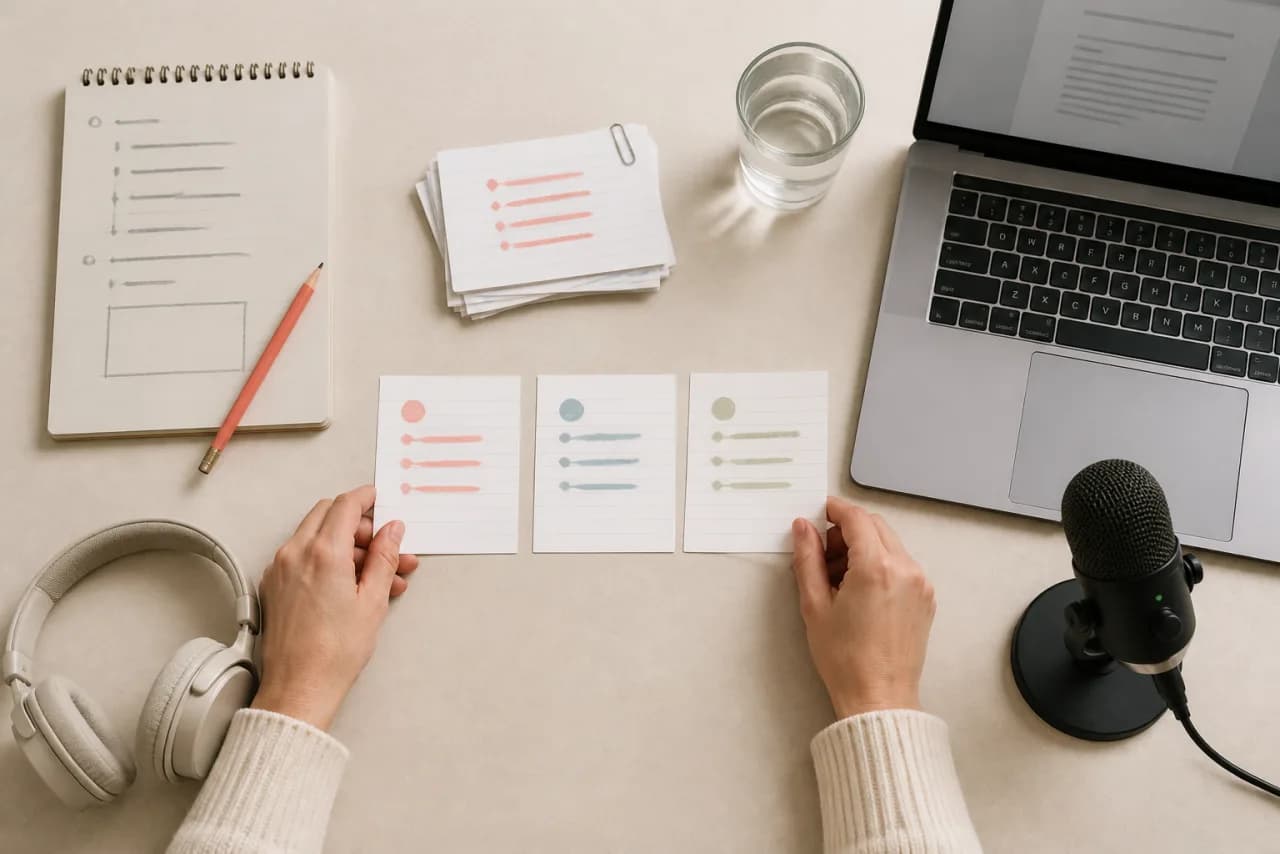
Long-form dictation works best when you separate thinking from polishing. Capture one complete idea at a time, use spoken structure, and reserve detailed editing for the end of a section.
Give the document a title and say what the section needs to accomplish before you begin.
Use two or three sentences per point. A short pause is easier to review than one uninterrupted monologue.
Use “new paragraph,” “new line,” and punctuation phrases so the first draft already has useful shape.
Pause after a section, correct important names and facts, then continue from the last complete thought.
These phrases are converted by the editor after the browser returns a transcript. Other recognition behavior still depends on the browser, microphone, service, and selected English locale.
Editing history lets you step backward and forward through changes without abandoning the locally saved draft.
Your current title and draft are saved in this browser after changes, without requiring an account.
A session timer, word count, character count, and estimated reading time help you see the shape of the draft.
Hide the surrounding page and give the editor more breathing room when you want fewer visual distractions.
Paragraph, line, and bullet controls remain available when speaking the command is slower than clicking it.
Copy the draft into another app or export a plain-text file with the document title included.
Dictation is not a replacement for careful editing. It is a faster path through the blank-page stage, especially when you already know what you want to explain.
Talk through the argument in order, then tighten the opening, evidence, transitions, and conclusion with the keyboard.
Capture decisions, open questions, and next actions immediately after a call while the context is still clear.
Explain a concept in your own words, then compare the draft with the original source and correct any factual errors.
State the goal, constraints, audience, and proposed next steps before reorganizing them into a shareable document.

Voice typing is designed for a quick, editable transcript. This dictation workspace is designed for longer sessions and adds a document title, local autosave, editing history, session time, reading length, focus mode, paragraph controls, and export.
The current draft and title are stored in this browser’s local storage on this device. There is no account sync. Clearing browser storage, using a private window, or changing browsers can remove or hide that saved draft, so export important work.
The editor converts common phrases such as “comma,” “full stop,” “new line,” and “new paragraph.” Recognition can vary by browser and locale, so review the result before publishing or sending it.
No. Microphone listening stops when the page closes or the browser ends the recognition session. The text already in the editor remains locally saved when local storage is available.