

Speed matters only when the resulting note remains trustworthy
Professional writing is full of small, time-sensitive documents: a client recap, an internal update, a decision log, a project risk, or an email that explains why the schedule changed. These drafts rarely need literary polish, but they do need clear ownership, accurate details, and an appropriate tone.
Voice typing is particularly useful between the event and the formal document. Speak a private first pass that answers what happened, why it matters, who owns the next step, and when it is due. The transcript externalizes memory before you start formatting. It can then be reduced into the specific artifact your colleagues need.
Do not send the first transcript. Names, figures, dates, acronyms, and negation are precisely the details that recognition may mishandle and professional readers rely on most. The reliable pattern is capture, compare, verify, and publish—not capture and forward.
The ten-minute post-meeting workflow
This workflow is designed for an individual creating a follow-up after a call or working session. It does not record the meeting or identify speakers. It uses your own spoken recollection and visible notes as inputs.
- 01
Check permission and privacy first
Move to an appropriate environment and decide whether the subject is suitable for a browser speech service. For confidential, regulated, privileged, or personnel matters, use an approved company process instead.
- 02
Dictate four headings
Speak in this order: outcome, decisions, open questions, next actions. The headings create a useful skeleton even when the meeting itself was nonlinear.
- 03
Attach evidence from the source
Compare the draft with the calendar, agenda, chat, project tracker, or your handwritten notes. Replace remembered dates and numbers with verified values.
- 04
Rewrite for the reader
A client may need context and reassurance; an executive may need the decision and risk; a teammate may need a concrete next action. Remove the exploratory language that helped you remember but does not help them act.
- 05
Confirm owners before sending
Never turn a tentative spoken thought into someone else’s commitment. If ownership was unclear, label the action as proposed or ask for confirmation.
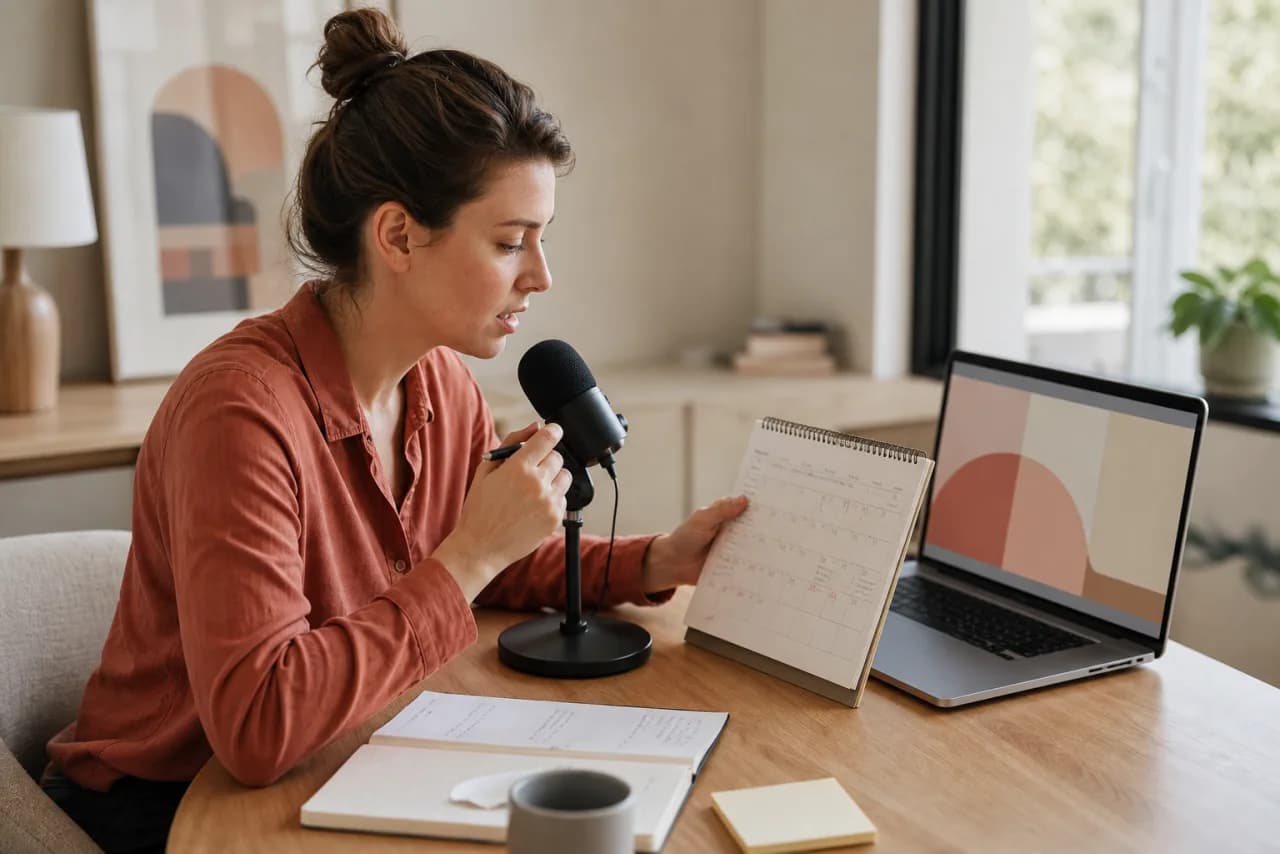

Example: from spoken debrief to accountable follow-up
A project lead leaves a design review with several impressions but only one confirmed decision. Speaking the whole memory first makes it easier to separate what was agreed from what still needs confirmation.
We liked the simpler onboarding. I think Priya said engineering can finish by Thursday, or maybe she said estimate by Thursday. The legal copy is still waiting. We should probably move the test. Main issue is whether analytics events change. I need to ask Marco and send everyone the updated sequence.
Decision: proceed with the simpler onboarding direction. Confirmation needed: Priya to clarify whether Thursday is an estimate date or completion date. Blocker: legal copy remains outstanding. Next action: I will confirm analytics-event changes with Marco before proposing a revised test date.
Why the edit matters: The final note distinguishes a decision, an uncertainty, a blocker, and an owned action. That structure is more valuable than preserving every sentence from the debrief.
Professional documents that benefit from a spoken first pass
Client and stakeholder updates
Begin with the reader’s concern, not the chronology of your day. Dictate what changed, the effect on scope or timing, what is being done, and what you need from the recipient. Then rewrite hedging or emotional language before sending.
When the update includes a commitment, compare it with the source of truth. A fluent transcript can still contain a wrong date or misplaced modifier, and confidence of delivery is not evidence of accuracy.
Decision records and project risks
A useful decision record explains the decision, alternatives considered, reason, owner, date, and conditions that could reopen it. Voice typing helps capture rationale that is often lost when a tracker receives only a short status label.
For a risk note, separate probability from impact and observation from inference. Say what you know, what you suspect, the signal you are monitoring, and the response threshold. That discipline makes the later written record easier to trust.
Email and document outlines
Dictate the purpose of an email in one sentence, the minimum context the reader needs, and the requested action. Only then draft the greeting and transitions. Starting with purpose prevents a long spoken preamble from becoming a long written preamble.
For reports and proposals, use voice to explain the logic of each section. Convert those explanations into headings and evidence requirements before writing final prose. The outline becomes a contract with the reader rather than a transcript of your thinking process.
Practical settings and habits for professionals
Professional accuracy depends less on speaking formally and more on controlling context. Choose the closest recognition locale, dictate in a quiet place, and create a deliberate verification pass for high-consequence details.
- Best editor
- Use Dictation for meeting debriefs, reports, and multi-paragraph notes. Local browser autosave and export help with longer drafts. Use Voice Typing for a short email or status sentence.
- Names and acronyms
- Expect manual correction. Spell an acronym only if the recognizer handles it reliably; otherwise insert it with the keyboard during review.
- Numbers and dates
- Compare every figure against an authoritative source. Pay special attention to ranges, percentages, currencies, version numbers, and words such as ‘not.’
- Tone
- Speak the factual draft first. Adjust warmth, directness, and formality for the recipient after the content is accurate.
- Retention
- Export important work into the approved company system. Browser local storage is not team storage, records management, or a guaranteed backup.
Voice typing questions from professionals
Can I use voice typing for meeting notes?
Yes, especially for a debrief immediately after a meeting. The public editor does not record or identify meeting participants, so use your own recollection and source notes, then verify decisions and owners before sharing.
Is it suitable for confidential work?
Treat browser speech recognition as a provider-dependent service. Review your organization’s policy and the browser or operating-system provider before dictating confidential, regulated, privileged, or commercially sensitive information.
How do I dictate a professional email without rambling?
State the purpose, necessary context, requested action, and deadline in that order. Stop recording, remove the spoken setup, verify details, and then adjust tone for the recipient.
Does VoiceTypingAI store my work documents?
The quick web editor keeps the visible draft in the page. The Dictation editor attempts to autosave the title and text in that browser’s local storage. Neither is a company document repository or durable backup.
What should I always check before sending?
Check recipient, names, dates, numbers, currency, negation, owners, commitments, links, and any sentence that could change scope or responsibility.