

Use speech where it creates momentum—and the keyboard where it creates precision
A blank page asks for polished sentences before the idea has earned them. That pressure can make a promising scene feel clumsy too early. Speaking changes the physical pace of drafting. You can describe the room, test a line of dialogue, follow an argument, or tell yourself what a chapter is really about without stopping to repair every sentence.
The resulting transcript will be imperfect. Character names may be wrong. Spoken punctuation may become literal words. A sentence that sounded convincing aloud may look loose on the page. None of that makes the session a failure. A voice draft is source material: closer to a rehearsal or an exploratory notebook than a finished manuscript.
The strongest workflow uses two distinct modes. During capture, keep moving and mark uncertainty aloud. During revision, slow down, read the draft as text, and make deliberate decisions about point of view, cadence, evidence, imagery, and omission. VoiceTypingAI’s web dictation editor supports that first capture with an editable document, local browser autosave, a session timer, and plain-text export. It does not invent the story or decide what deserves to remain.
A five-pass voice-writing workflow
This sequence works for fiction, essays, scripts, newsletters, and book chapters because each pass has one job. Keeping the jobs separate reduces the temptation to edit every sentence while the idea is still forming.
- 01
Name the purpose before recording
Write one sentence that defines the session: discover why the character leaves, explain the central claim, or sketch the next three scenes. A narrow purpose keeps a spoken draft from becoming twenty minutes of unrelated thinking.
- 02
Speak the situation, not the prose
Begin by explaining what needs to happen and why it matters. If a strong line appears, keep it, but do not force literary polish. Context gives later sentences direction and makes the transcript easier to reorganize.
- 03
Use verbal markers for uncertainty
Say phrases such as ‘check this fact,’ ‘alternate line,’ or ‘scene break’ when you reach a decision point. Recognition may not format them automatically, but the visible markers are easy to search and remove during revision.
- 04
End with a spoken summary
State what changed, what remains unresolved, and the next action. This short paragraph often becomes a useful revision note and helps you re-enter the work on another day.
- 05
Revise away from the microphone
Read the transcript silently, move paragraphs, verify names and facts, remove throat-clearing, and rewrite important sentences. Export a copy before major structural edits so the exploratory version remains available.
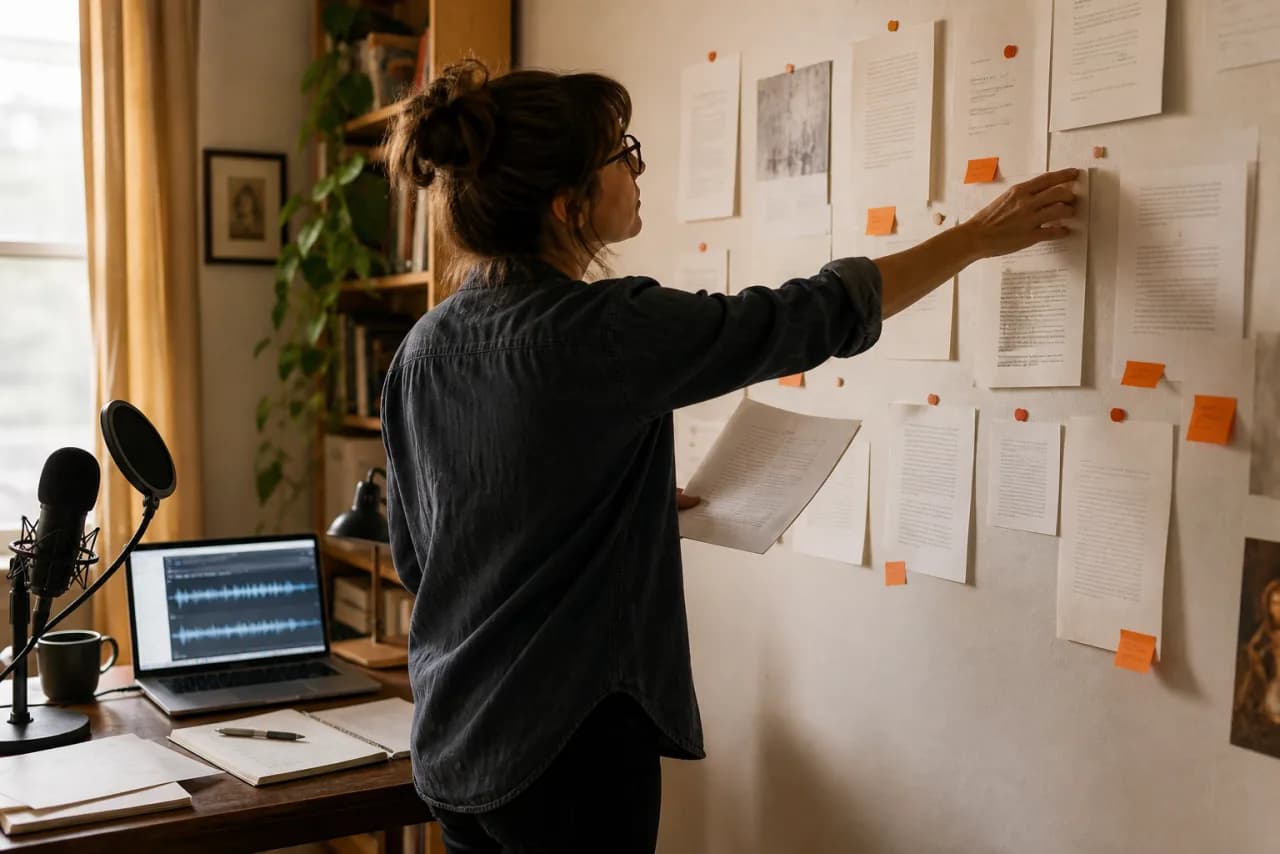
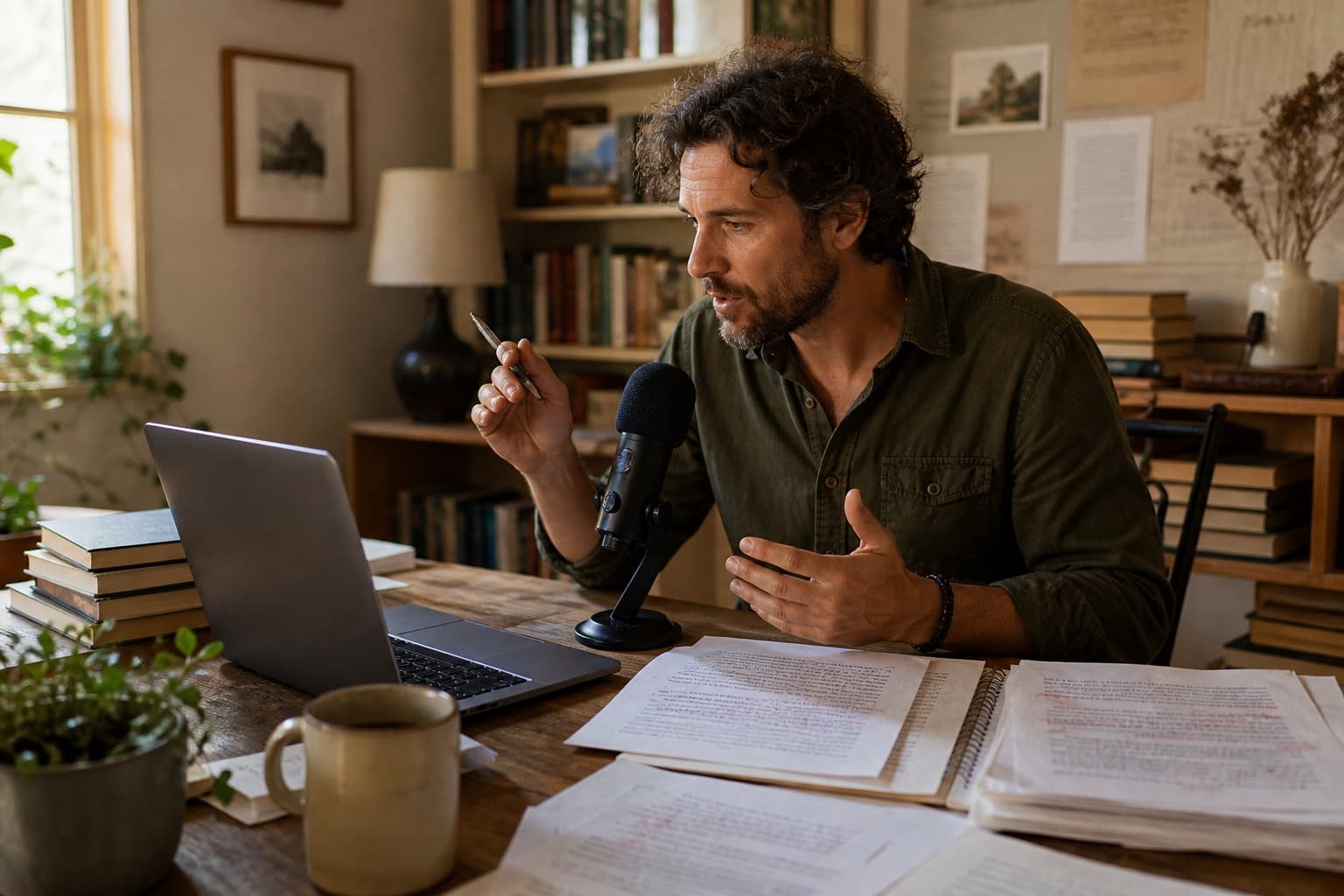
Example: discovering a scene before writing it
Suppose a novelist knows two characters must disagree at a railway station but does not yet know what the argument is really about. The writer can speak through the dramatic function before attempting polished dialogue.
Mira is pretending the missed train is the problem, but actually she thinks Arun chose work over her again. He keeps explaining the timetable because facts feel safer. Maybe she says she is tired of being managed like a delay. Check whether that line is too obvious. The announcement interrupts them before he answers.
Mira watches the departure board change. ‘You always have an explanation,’ she says, ‘and somehow I am still the one waiting.’ Arun begins with the timetable. The station announcement swallows the rest.
Why the edit matters: The spoken version contains explanation, alternatives, and a revision note. The edited version keeps only the pressure, image, and dialogue. Voice typing helped locate the emotional engine; authorship happened in the selection and rewrite.
Where voice typing genuinely helps a writing practice
Dialogue and character monologues
Dialogue benefits from being heard. Dictate both sides of a scene without adding quotation marks at first, then label speakers during revision. You will notice repeated rhythms, unnatural exposition, and places where every character sounds like the author.
For character discovery, let one person answer a concrete question for five minutes: what are you refusing to admit, what did you leave behind, or what do you want from the next scene? Keep the surprising phrases, not the entire monologue.
Essay arguments and narrative structure
Explaining an argument aloud reveals missing steps. If you cannot say why one paragraph leads to the next, the reader is unlikely to infer it. Dictate the claim, strongest objection, evidence needed, and the conclusion you can honestly support.
After transcription, turn the useful claims into an outline. Verify quotations and sources from the originals; speech recognition is not a citation system and should never be trusted to reproduce a reference accurately.
Revision notes after reading aloud
Read a printed draft and dictate reactions into a separate document: slow opening, unclear pronoun, repeat this image, verify date. Keeping comments separate prevents impulsive line edits from hiding larger structural problems.
A second pass can convert those comments into an ordered revision plan. Start with structure and missing information, then move toward paragraphs, sentences, and proofreading. The order protects time and prevents polishing material that may be cut.
Practical settings and habits for writers
Writers usually benefit from a stable recognition locale, a quiet microphone position, and shorter focused sessions rather than one uninterrupted recording. These settings support concentration without pretending recognition will be perfect.
- Editor
- Use Dictation for chapters and essays because it includes a title, local autosave, session timing, undo/redo, and export. Use Voice Typing for a short paragraph or isolated scene idea.
- Session length
- Aim for one scene, claim, or problem at a time. Ten useful minutes are easier to revise than an hour of undirected speech.
- Punctuation
- Try spoken punctuation, but review every mark. Many writers move faster by capturing paragraphs first and punctuating during the editing pass.
- Names and invented words
- Type a character or place name once after capture and use normal editing tools to correct later occurrences. Repeating an unusual word rarely guarantees consistent recognition.
- Backup
- Browser autosave is convenient, not archival. Download important drafts and keep them with the rest of the project.
Voice typing questions from writers
Is voice typing good for writing a novel?
It can be useful for scene discovery, dialogue experiments, chapter summaries, and rough prose. Most novelists will still need substantial keyboard revision for pacing, point of view, continuity, and sentence-level control. Treat the transcript as material, not a finished chapter.
Will dictation make my writing sound spoken?
The raw draft often will. That can produce energy and natural rhythm, but it may also include repetition and vague transitions. A separate editing pass lets you keep the life of the spoken idea while reshaping it for a reader.
Can I dictate punctuation and paragraph breaks?
You can try phrases such as ‘comma,’ ‘full stop,’ ‘new line,’ and ‘new paragraph.’ Behavior depends on the browser and locale, so confirm the result instead of assuming every phrase became formatting.
Does the web editor rewrite or improve my story automatically?
No. The current public web editors provide browser-based recognition and editable text controls. They do not automatically rewrite scenes, verify facts, or make creative decisions.
How should I protect an important manuscript?
Download regular copies, keep them in your established backup system, and avoid relying only on browser storage. Review your browser or operating-system speech provider before dictating confidential or unpublished material.